Creating Accessible Research Content
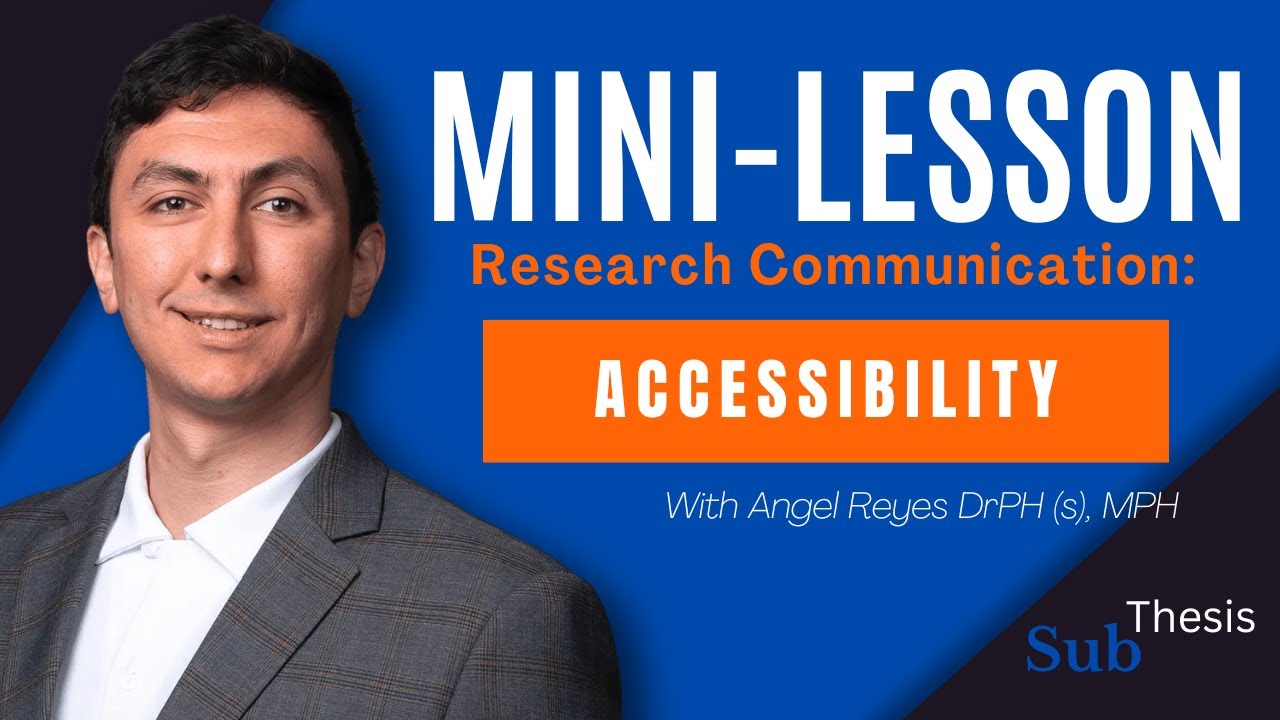
Why Accessibility Matters in Research Communication
Research exists to advance knowledge and improve lives, yet when findings are communicated through inaccessible formats, entire populations are excluded from benefiting. Accessibility in research communication means designing outputs, whether written reports, presentations, websites, or videos, so that people with disabilities can perceive, understand, navigate, and interact with them. In healthcare specifically, the stakes are exceptionally high because the very populations most affected by health disparities often include individuals with disabilities who need access to the latest evidence.
Beyond ethical obligation, accessibility is increasingly a legal requirement. Legislation such as the Americans with Disabilities Act and Section 508 of the Rehabilitation Act mandates that publicly funded content meet defined accessibility standards. Funding agencies and universities are tightening compliance expectations, which means researchers who ignore accessibility risk both excluding audiences and violating institutional policy. Embracing accessibility from the outset of a project is far more efficient than retrofitting content after publication, making it a matter of both good practice and practical resource management.
Making Written Content Inclusive
Written research outputs form the backbone of scholarly communication, and several straightforward practices can dramatically improve their accessibility. Using clear, hierarchical heading structures allows screen readers to navigate documents efficiently, enabling visually impaired readers to jump between sections rather than listening to an entire paper linearly. Descriptive alternative text for images and figures ensures that data visualizations and photographs convey their intended meaning to users who cannot see them. Researchers should also avoid conveying information through color alone, reinforcing visual cues with text labels or patterns.
Plain language summaries are another powerful accessibility tool. While technical terminology is necessary within the body of a research article, providing a companion summary written at an eighth-grade reading level broadens the audience to include patients, caregivers, policymakers, and community members who may lack specialized training. Font choice matters as well; sans-serif typefaces at a minimum of twelve points improve readability for people with low vision or dyslexia. Adequate contrast between text and background colors, a ratio of at least 4.5 to 1 for standard text, ensures legibility across a range of visual abilities and screen conditions.
Accessible Multimedia and Presentations
As researchers increasingly use video, podcasts, and slide presentations to share their work, multimedia accessibility has become essential. Captions and transcripts for audio and video content are the most fundamental accommodations, benefiting not only deaf and hard-of-hearing audiences but also non-native speakers and anyone consuming content in a noisy or quiet environment. Auto-generated captions are a starting point, but they frequently contain errors, particularly with medical terminology, so manual review and correction are necessary for accuracy.
Slide presentations require their own set of considerations. Using built-in slide layouts rather than free-form text boxes preserves the reading order that assistive technologies rely on. Every slide should have a unique, descriptive title so that screen reader users can navigate the deck meaningfully. Animations and transitions should be used sparingly and never as the sole method of conveying information, since they can be disorienting for users with vestibular disorders or cognitive disabilities. Providing downloadable versions of presentations in accessible formats, such as tagged PDFs, extends the useful life of your content and ensures it remains available to all audiences long after the live event.
Building an Accessibility-First Workflow
Integrating accessibility into your research communication workflow from the beginning is far more effective than treating it as an afterthought. Start by familiarizing yourself with the Web Content Accessibility Guidelines, known as WCAG, which provide a comprehensive framework for digital content. Many of the principles translate directly to non-digital formats as well. Create templates for documents, slides, and web pages that have accessibility features baked in, such as proper heading structures, predefined color palettes with sufficient contrast, and placeholder alt-text fields for images.
Collaboration strengthens accessibility efforts. Invite colleagues with disabilities or accessibility expertise to review your materials before publication, and incorporate their feedback into future projects. Many institutions now offer accessibility checking tools integrated into common software like Microsoft Word and PowerPoint, and running these checks should become as routine as spell-checking. Over time, accessible design practices become second nature, reducing the additional effort to near zero while vastly increasing the number of people who can engage with your research. By committing to accessibility, you affirm that healthcare knowledge belongs to everyone.
Related topics from other weeks:
Frequently Asked Questions
What are the most important accessibility standards researchers should know?
The Web Content Accessibility Guidelines (WCAG) 2.1 at the AA conformance level are the most widely referenced standard. They cover principles of perceivability, operability, understandability, and robustness. Familiarity with Section 508 requirements is also important for anyone producing content tied to U.S. federal funding.
How do I write effective alternative text for research figures?
Effective alt text describes the purpose and key findings of the figure, not just its visual appearance. For a bar chart, for example, state what the chart compares and highlight the main result rather than simply writing 'bar chart.' Keep alt text concise, ideally under 150 characters, and use a longer description field for complex figures.
Are auto-generated captions sufficient for research videos?
Auto-generated captions are a helpful starting point but are not sufficient on their own. They frequently misinterpret medical terminology, proper nouns, and statistical language. Always review and manually correct auto-generated captions before publishing to ensure accuracy and compliance with accessibility standards.
Does making content accessible reduce its academic rigor?
Absolutely not. Accessibility and rigor are independent qualities. Plain language summaries, clear headings, and captioned videos do not dilute the sophistication of the underlying research. They simply widen the audience that can engage with it, which often increases citation counts and real-world impact.
What free tools can help me check the accessibility of my documents?
Microsoft Office has a built-in Accessibility Checker that flags issues in Word and PowerPoint files. The WAVE Web Accessibility Evaluation Tool evaluates web pages. Color contrast checkers like the WebAIM Contrast Checker verify text legibility. Adobe Acrobat also includes an accessibility checker for PDF documents.
Explore more study tools and resources at subthesis.com.